How to Bind an RC Transmitter and Receiver
What binding is, why a transmitter won't work with just any receiver, how to bind them step by step, how to set the failsafe and what to do if they won't connect.
By Elite Radio Control teamUpdated 2 min read
Part of the guide: RC electronics: batteries, motors and ESCs
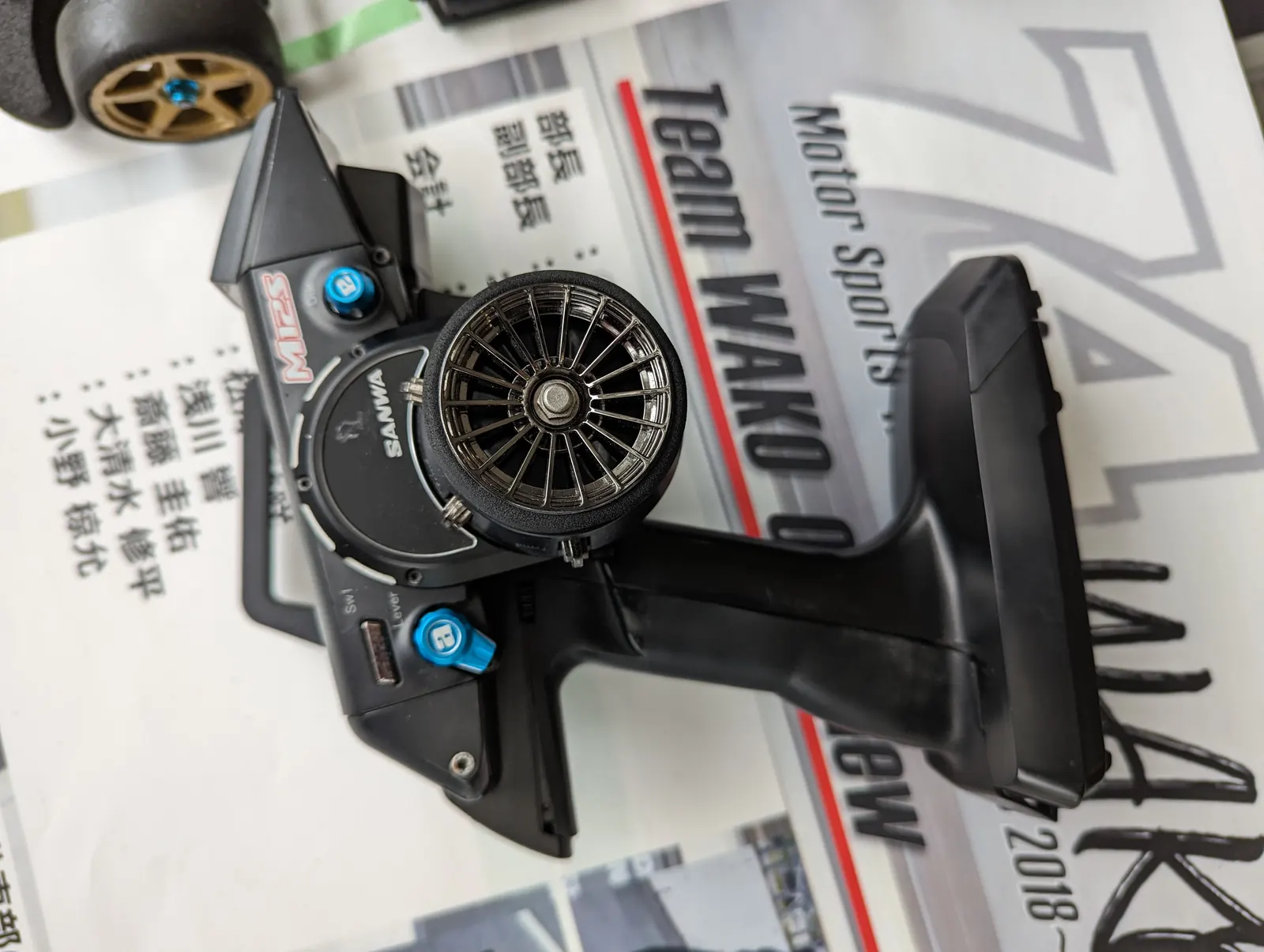
A 2.4 GHz transmitter doesn’t work with just any receiver nearby: each receiver is “paired” with a specific transmitter through a process called binding. That’s what prevents interference when several drivers run at the same time. An RTR car usually comes already bound, but you’ll have to do it if you change the receiver, buy a new transmitter or use one transmitter for several models.
Compatibility: the protocol
Each manufacturer uses its own radio protocols (for example, those from FlySky, Futaba, Spektrum or Traxxas). A transmitter will only bind with receivers on a protocol it understands. Before buying a receiver, check that it’s compatible with your transmitter. Learn more about radios in how to choose an RC transmitter and Futaba radios.
General steps to bind
Your radio’s manual gives the exact procedure, but it almost always follows this sequence:
- Turn everything off and lift the car so the wheels are off the ground.
- Put the receiver in bind mode: hold its bind button as you power it up, or insert a bind plug in the specified port.
- Power up the receiver (through the ESC or a battery). Its light usually blinks quickly.
- Put the transmitter in bind mode, by holding its bind button as you turn it on or through the menu.
- Wait for the receiver light to go solid. That means they’re bound.
- Remove the bind plug if you used one and restart the transmitter and receiver.
- Check that steering and throttle respond in the right direction.
On many radios, the power-up order after binding matters: turn on the transmitter first and then the car, and turn them off in reverse order.
Set the failsafe
The failsafe decides what the receiver does if it loses signal. Set it so that, with no signal, the throttle goes to neutral or brake. Turn off the transmitter with the car’s wheels off the ground and check that the motor stops.
If they won’t bind
- Different protocol: the most common cause. Check compatibility.
- Receiver not getting enough power: check the battery and the ESC’s BEC. See what an ESC is.
- Too close or too far: bind with the transmitter and receiver about 3 to 6 ft (1 to 2 m) apart.
- Wrong model memory on transmitters with several memories.
- Order of steps: some radios require you to put the transmitter in bind mode first and then the receiver.
If the servo doesn’t respond properly after binding, check the installation in our guide to RC servos.
Available on Amazon
You can find 2.4 GHz transmitters and receivers for RC cars on Amazon.
- 2.4 GHz transmitters and receivers for RC carsCheck price
Frequently asked questions
Can I use a receiver from another brand with my transmitter?
Only if they use the same radio protocol. Each manufacturer has its own 2.4 GHz protocols and, in general, they aren't compatible with each other, except for receivers built specifically for that protocol.
Do I have to bind every time I turn on the car?
No. The bind is saved. You only need to redo it if you change the receiver or transmitter, use a different model memory, or the manufacturer says so after a settings change.
What is failsafe?
It's what the receiver does if it loses the signal from the transmitter. On a car, the safe setting is for the throttle to return to neutral or brake; on a nitro, for the engine to drop to idle.
Related guides
RC cars
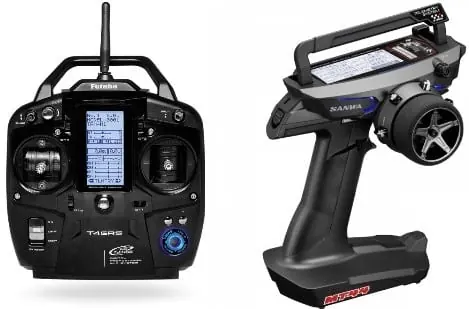
8 Tips for Choosing Your RC Transmitter
Find the best transmitters for RC cars in this post, and run your races like a real pro!
5 min read
RC cars
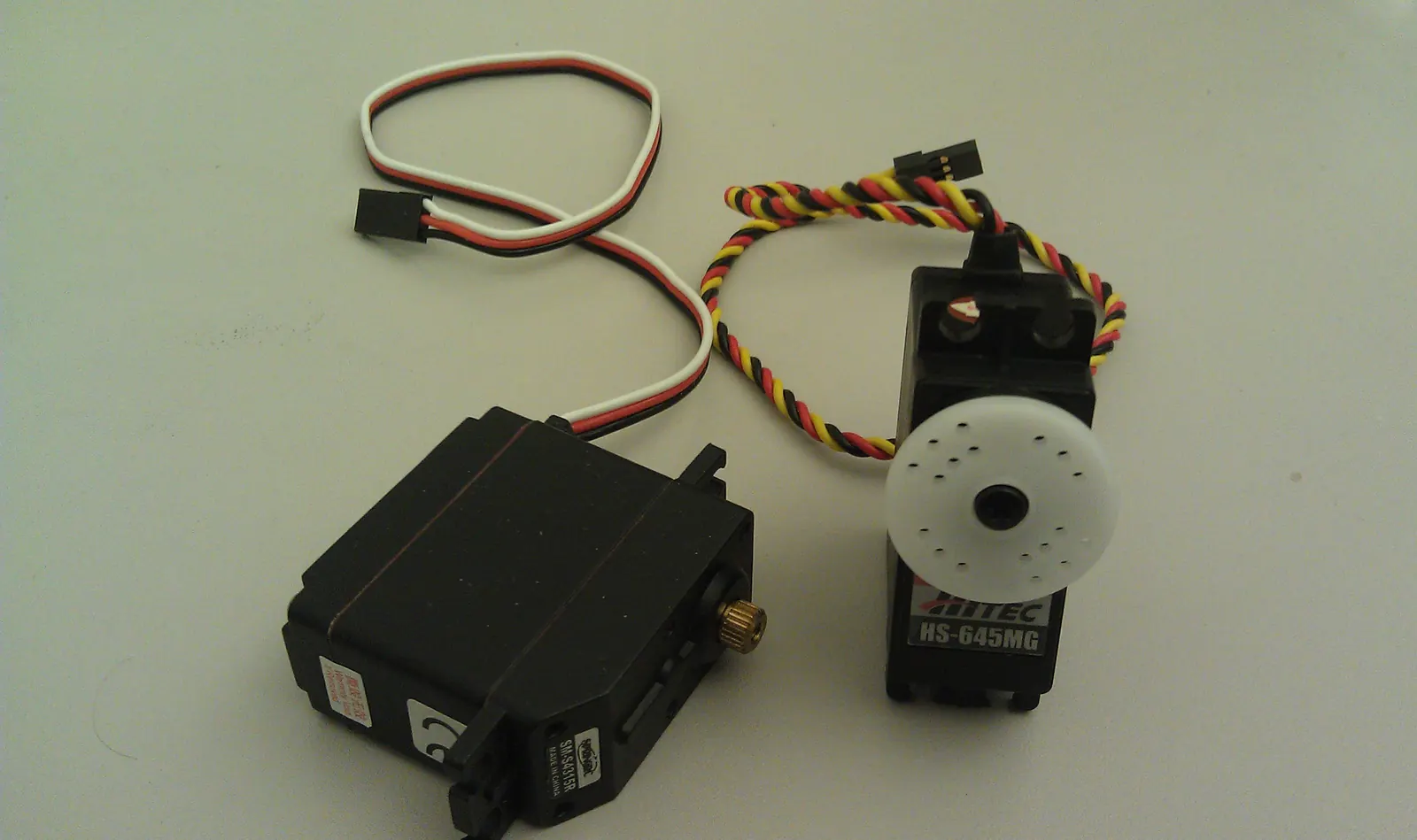
RC Servos: What They Are and How to Choose the Right One
Torque, speed, analog or digital, metal gears, voltage and size: everything you need to know to choose the steering servo for your RC car or the servos for your plane.
2 min read
RC cars
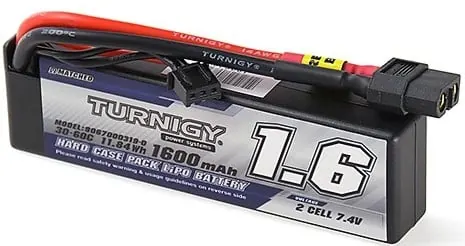
RC LiPo Batteries: How to Choose, Charge and Care for Them
What the cell count (S), mAh and C rating on a LiPo battery mean, how to choose one for your RC car, plane or boat, and how to charge it, store it and tell when it's damaged.
4 min read
RC cars
How Long Does an RC Car Battery Last?
Find out how long you can enjoy your RC car before you need to recharge the battery, so the fun doesn't stop early.
4 min read
RC cars
How Long Does It Take to Charge an RC Car Battery?
Find out how long it takes to charge your RC car's battery and get back in action in no time.
4 min read